



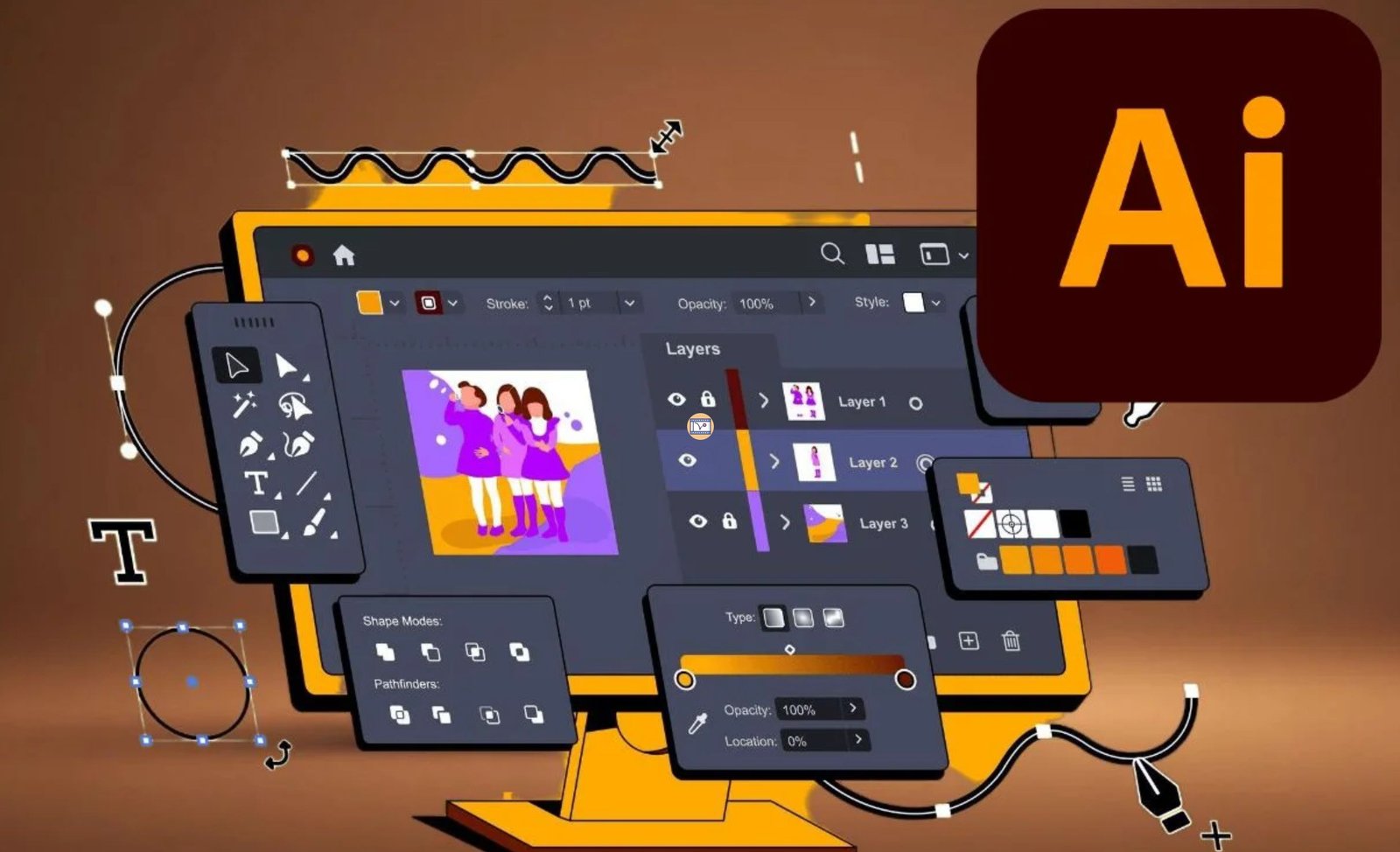
Adobe Illustrator
-
 By
digital dost
By
digital dost
- 01/Aug/2026
- 2 Students
Course Description
Learn Adobe Illustrator from beginner to advanced and master professional vector design techniques. Create logos, icons, illustrations, branding materials, social media graphics, brochures, business cards, and print-ready artwork using industry-standard tools. Through practical projects and real-world exercises, you'll gain the skills needed for graphic design, freelancing, and professional creative work.Course Curriculum
-
(Solid Gradient Color) Adobe Illustrator

-
Place Image Inside Any Shape, Cliping Mask
-
(Type Tool) Adobe Illustrator
-
(TBlending) adobe illustrator
-
(Hair Fur) Adobe Illustrator
-
Shaper Tool, Pencil Tool, Smooth Tool
-
Eraser, Scissors, Knife, Rotate Reflect Tool
-
(Pathfinder Tool) Adobe Illustrator
-
Width Tool,wrap Tool Twirl Tool, Pucker Tool
-
(Patten Design) Adobe Illustrator
-
(Brush Stroke) adobe illustrator
-
(Distort Transform) adobe illustrator
-
(Wrop Tool) Adobe Illustrator
-
Feather,inner Glow , Outerglow,
-
(Export Setting) Adobe Illustrator
digital dost
This Course Fee:
₹1,000.00
Course includes:
-
 Level
Level
-
Expert
-
 Duration
8h 20m
Duration
8h 20m
-
 Lessons
15
Lessons
15
-
 Quizzes
0
Quizzes
0
-
 Certifications
No
Certifications
No
-
 Language
-
Hindi